How To Find Information On Any Test
Last updated: October 23, 2026
Time To Completion: 1 minute
The Testing Library lists every test Light Labs offers along with the method, turnaround time, price, and minimum sample size.
Prerequisites: Login to your Light Labs account.
1. Open the Testing Library
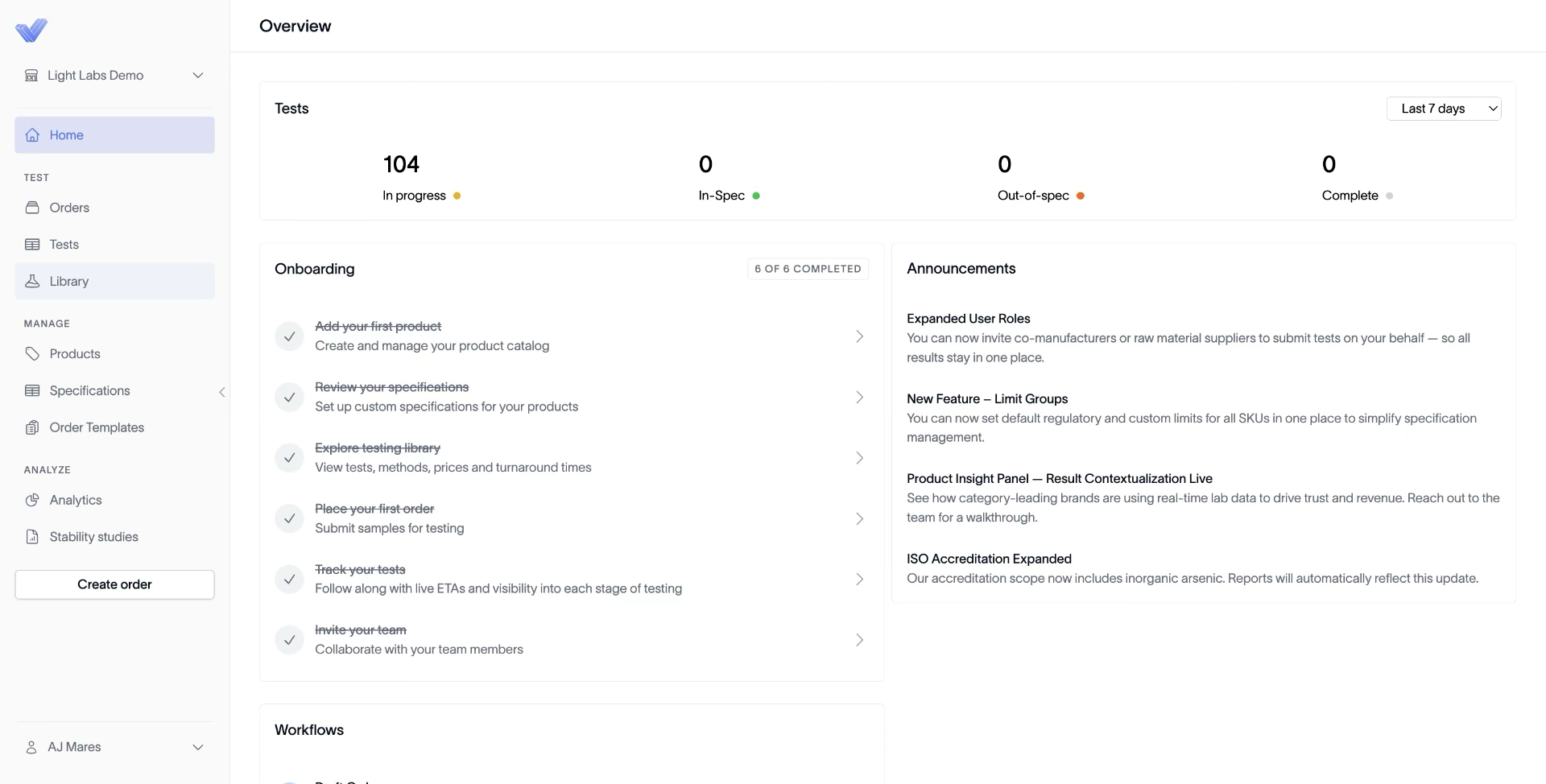
In the left navigation, click Library to open the Testing Library page.
2. Search for the test and scan the columns
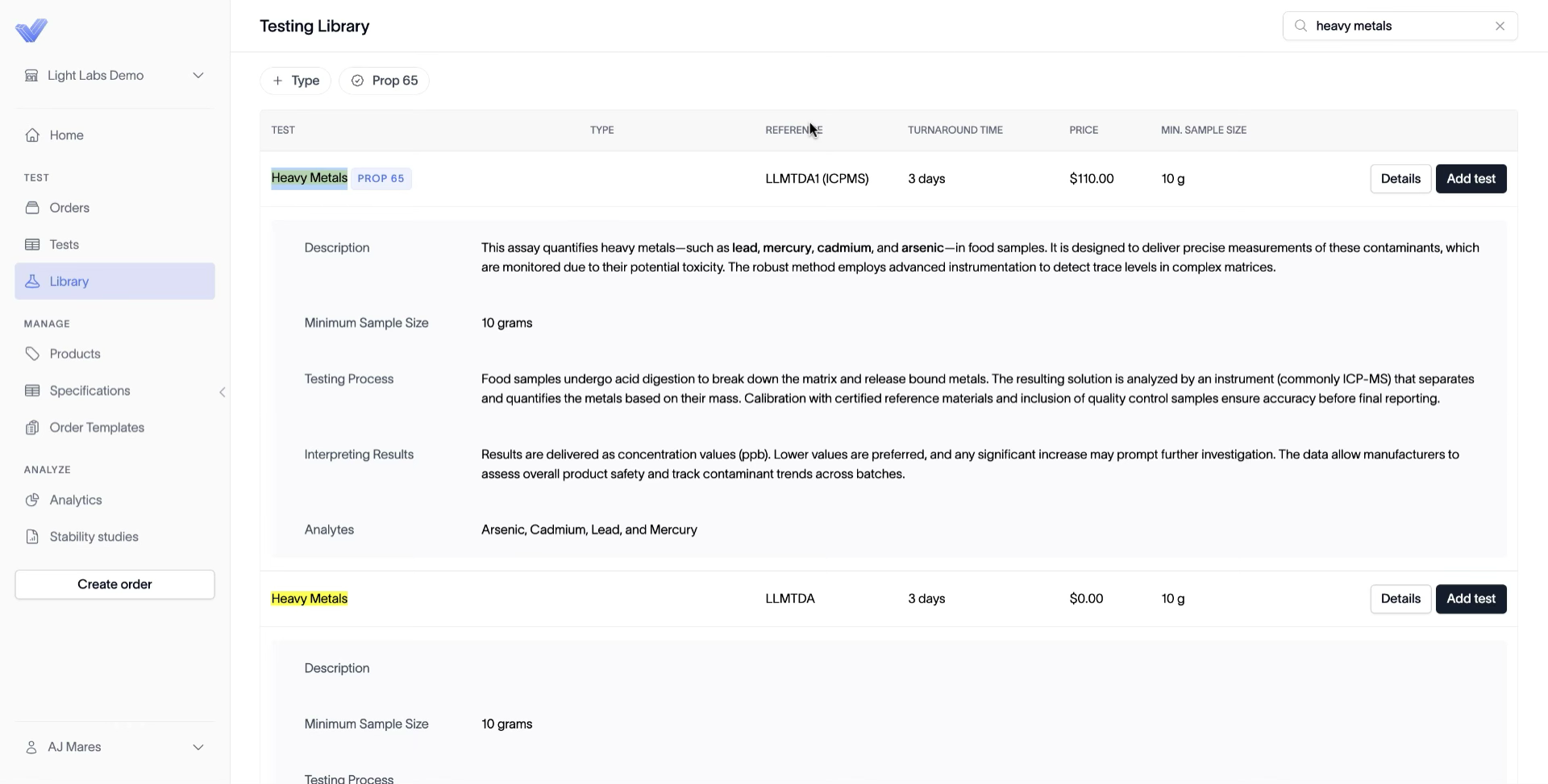
In the search bar at the top right, type the test name (for example, heavy metals). Each row shows the Test, Type, Method, Turnaround Time, Price, and Min. Sample Size.
Tip: Paging through the list works too, but searching is faster.
3. Expand a row to see which analytes are included
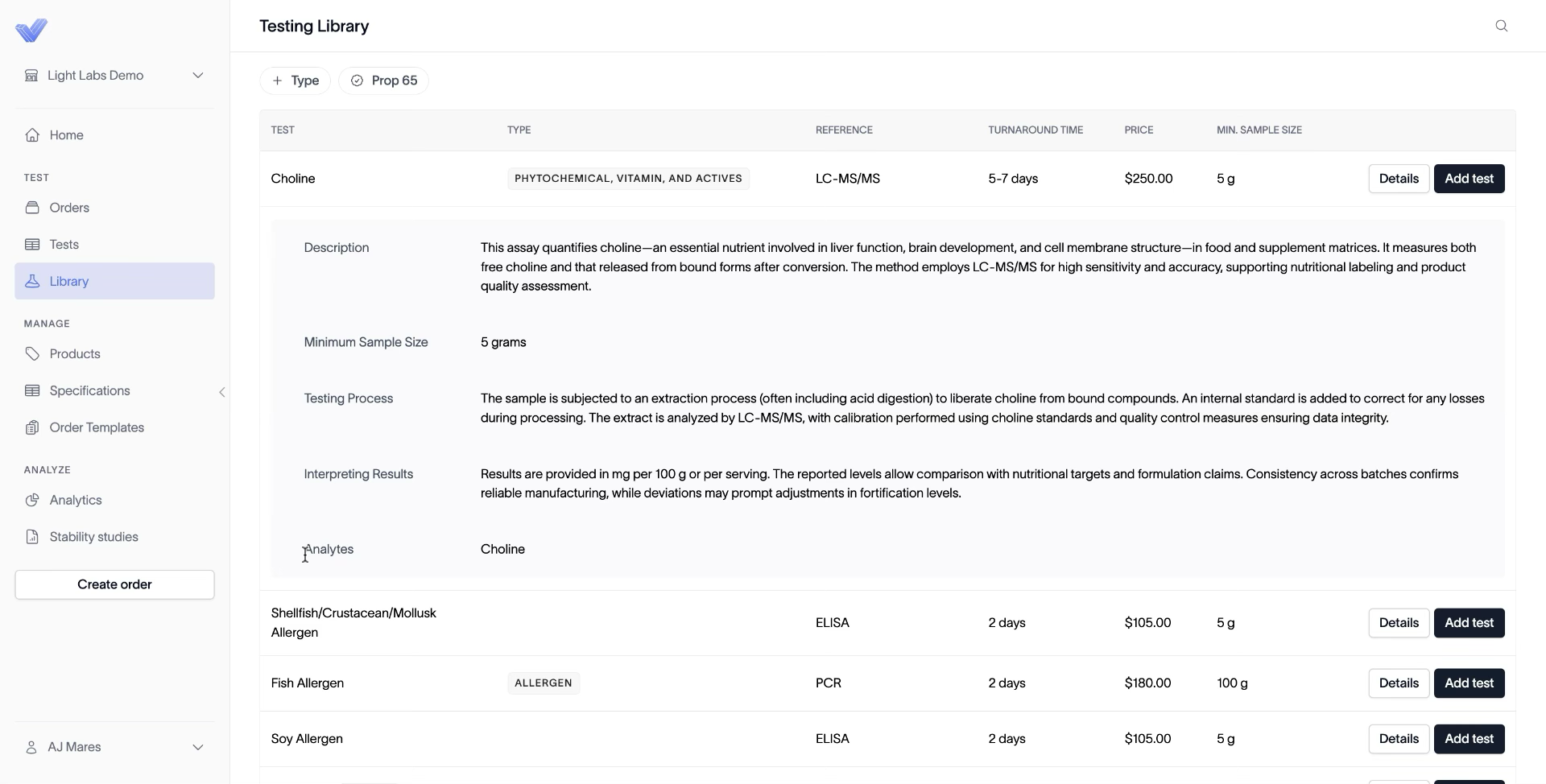
Click Details on a test row. A panel expands underneath with the description, minimum sample size, testing process, interpretation notes, and the full list of Analytes measured.
Outcome
You know what each test costs, how long it takes, how much sample to send, and exactly which analytes are measured — before adding it to an order.