Add a product
Last updated: October 23, 2026
Time To Completion: 1- 2 minutes
Add a product to your company's catalog — with or without variants — so you can order tests against it.
Prerequisites: A Light Labs account with access to Products.
1. Open the Add Product dialog
In the left navigation, click Products, then click Add product in the top right.
2. Name the product and choose whether it has variants
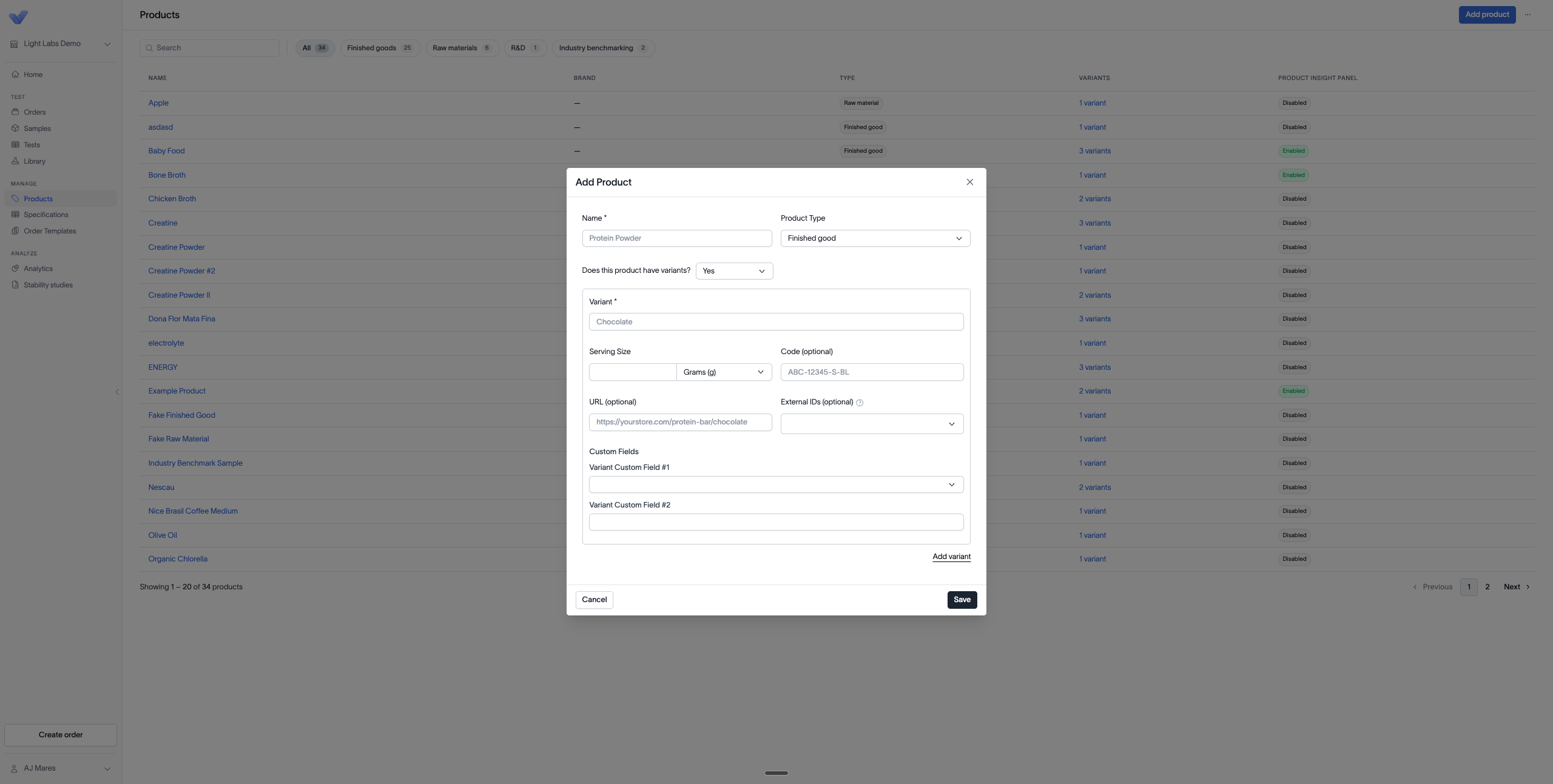
Enter the Name and set the Product Type. Under Does this product have variants?, select No for a single product, or Yes to add named variants.
3. Fill in the variant details
For each variant, enter the Variant name, the Serving Size, and its unit. Optionally add the URL, Code, External IDs, and any Custom Fields.
4. Add more variants and save
Click Add variant to add another variant block and repeat. When everything looks right, click Save.
Outcome
The product appears in your Products list and is available to select when creating an order.