Adding or Editing The Serving Size
Last updated: August 14, 2026
Time To Completion: 1 minute
Specifications based on serving size depend on each variant having one set. Add or update a variant's serving size from the Products page.
Prerequisites: A Light Labs account with at least one product and variant configured.
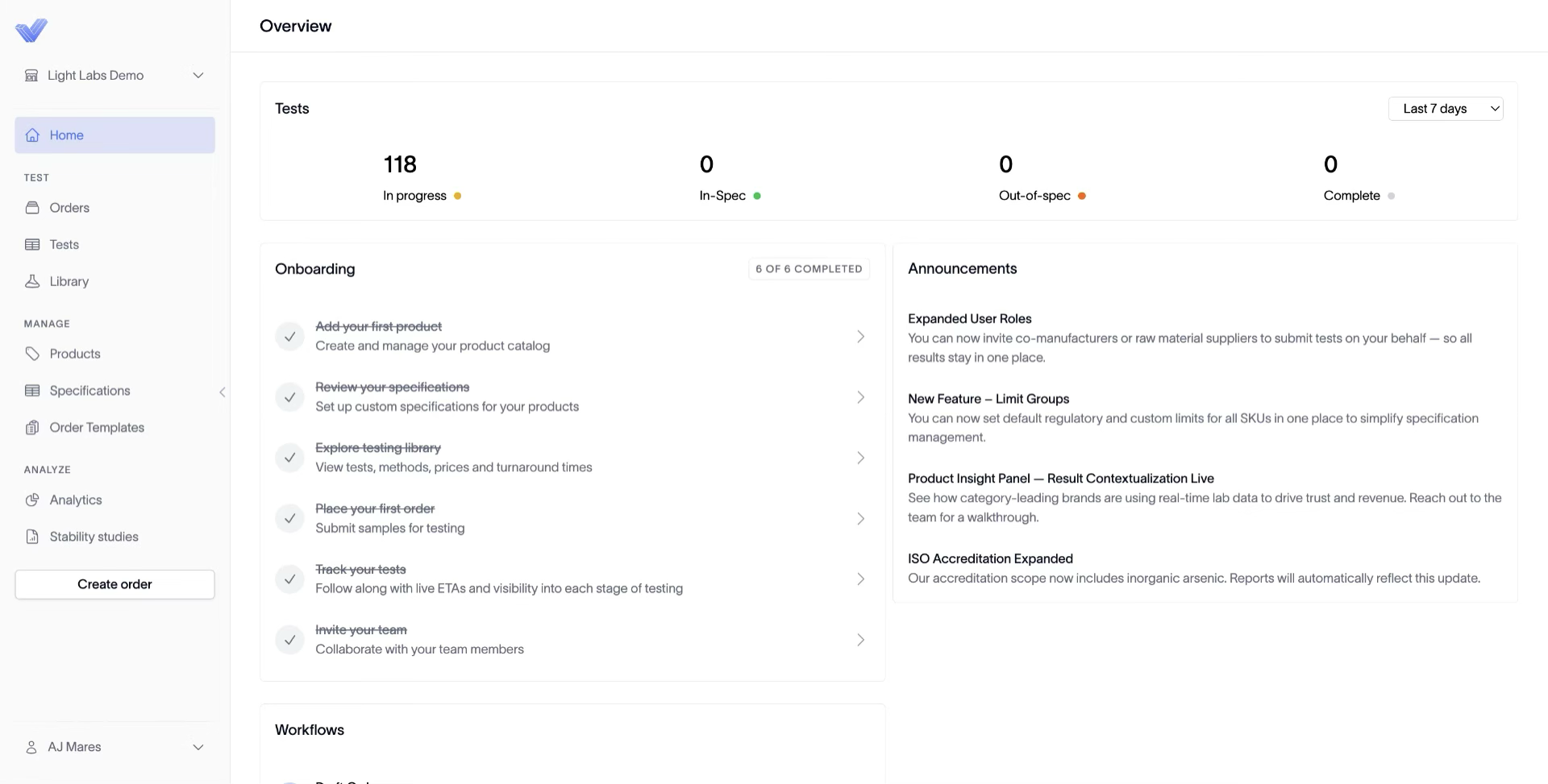
1. Open Products
In the left navigation, click Products.
2. Open the variant
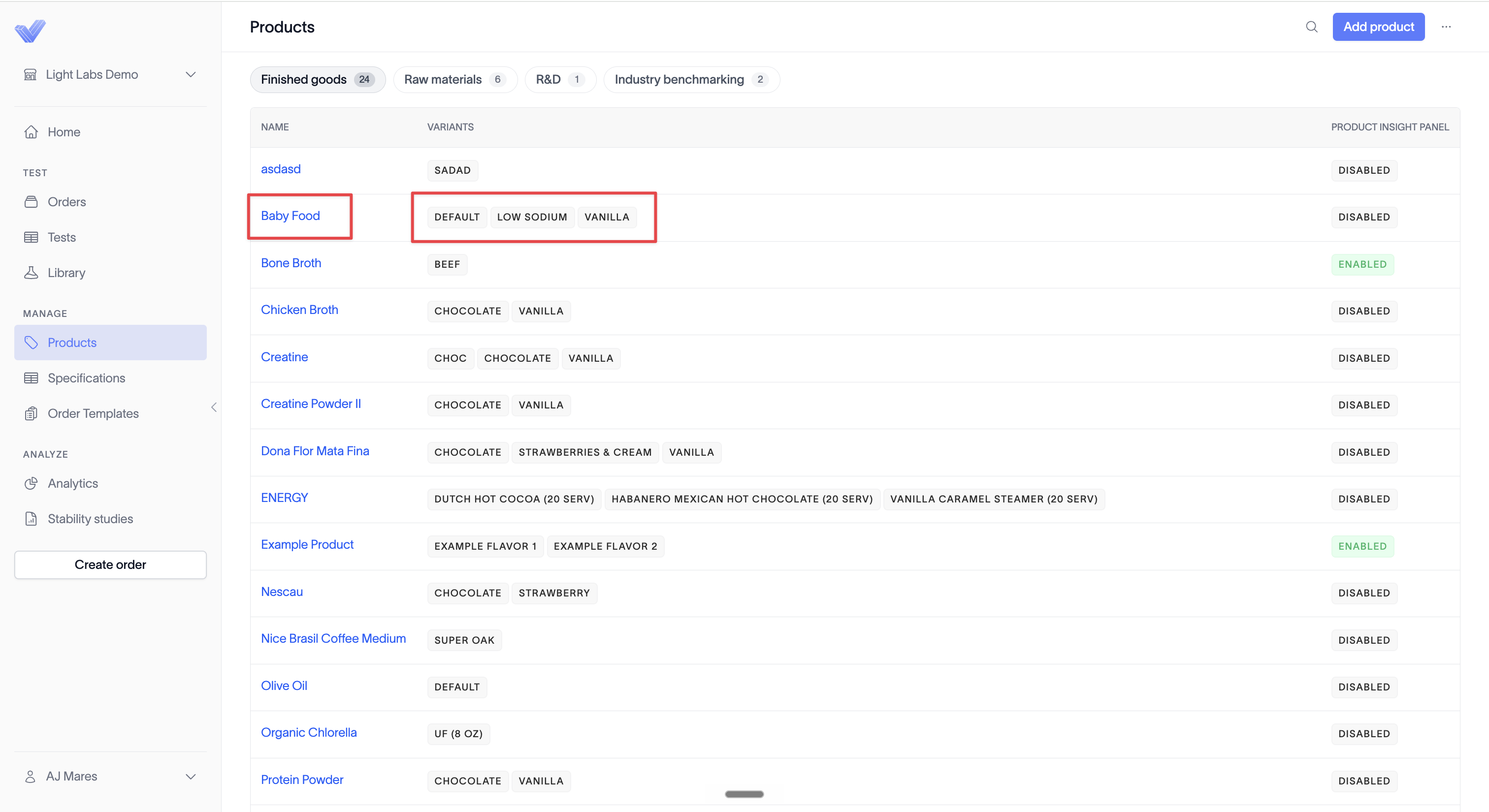
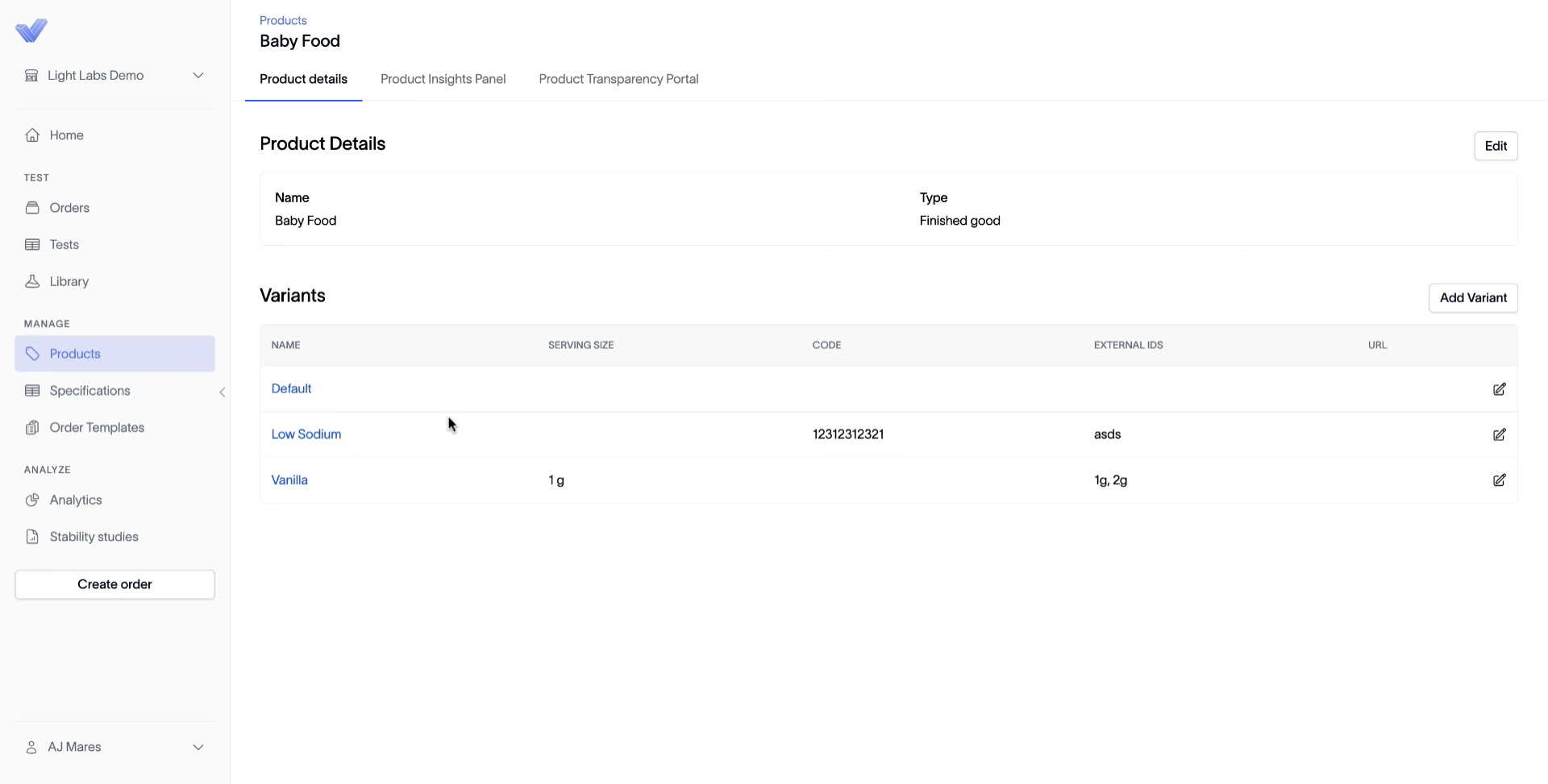
Take either path:
Search for the variant by name and click its row.
Or click into the parent product, find the variant under Variants, and click the pencil icon at the right of its row.
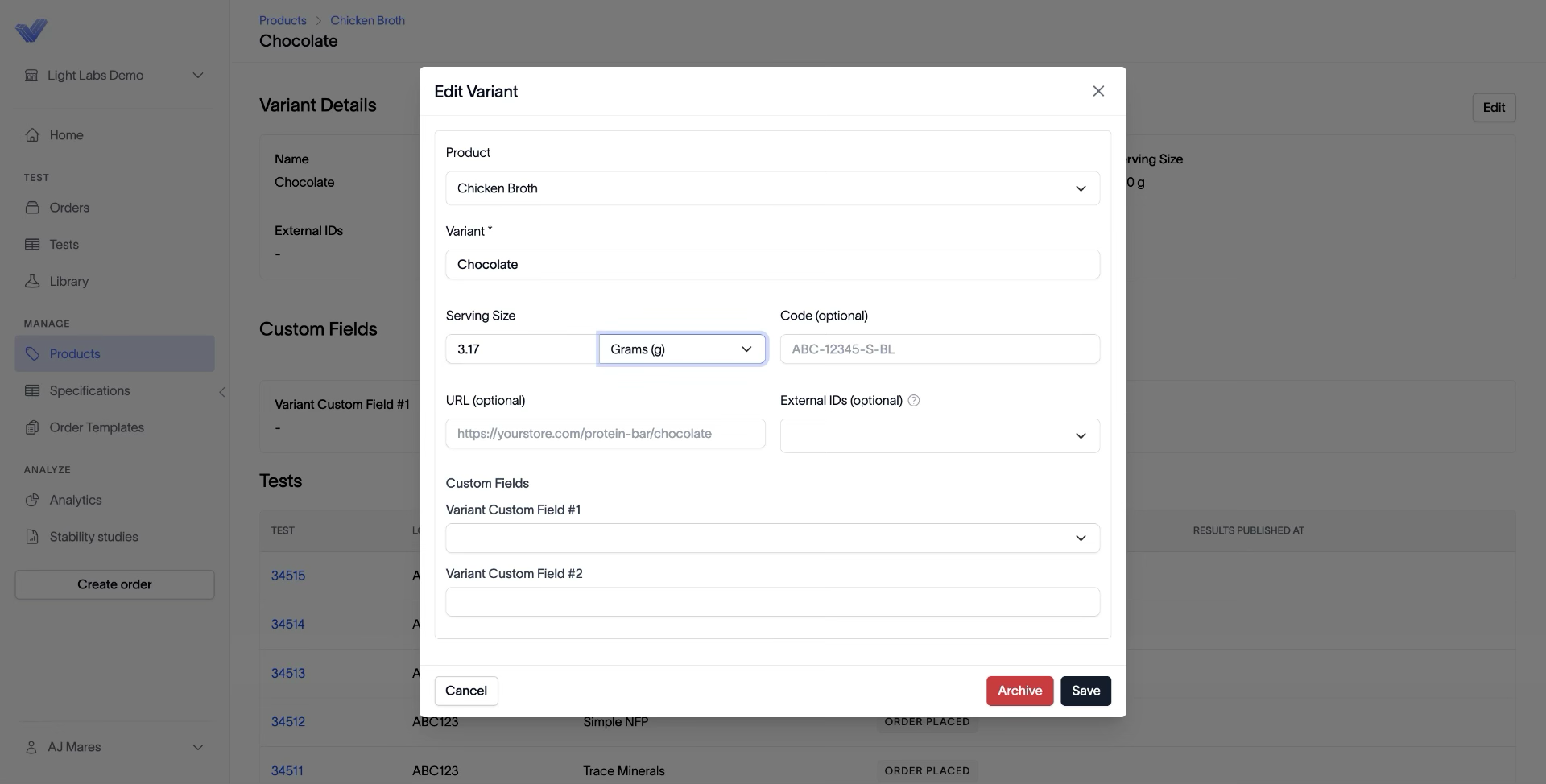
3. Set the serving size and save
In the Edit Variant dialog, enter the value in Serving Size and pick the unit from the dropdown (for example, Grams (g)). Click Save.
Outcome
The variant now has a serving size, which unlocks serving-size-based specifications and per-serving unit options when you spec analytes for that variant.