Export tests to CSV
Last updated: October 23, 2026
Time To Completion: 1 minute
Download the tests list as a CSV — either the full set of fields or a simplified version.
Prerequisites: The Tests page open. Apply any filters first if you only want a subset.
1. Open the export menu
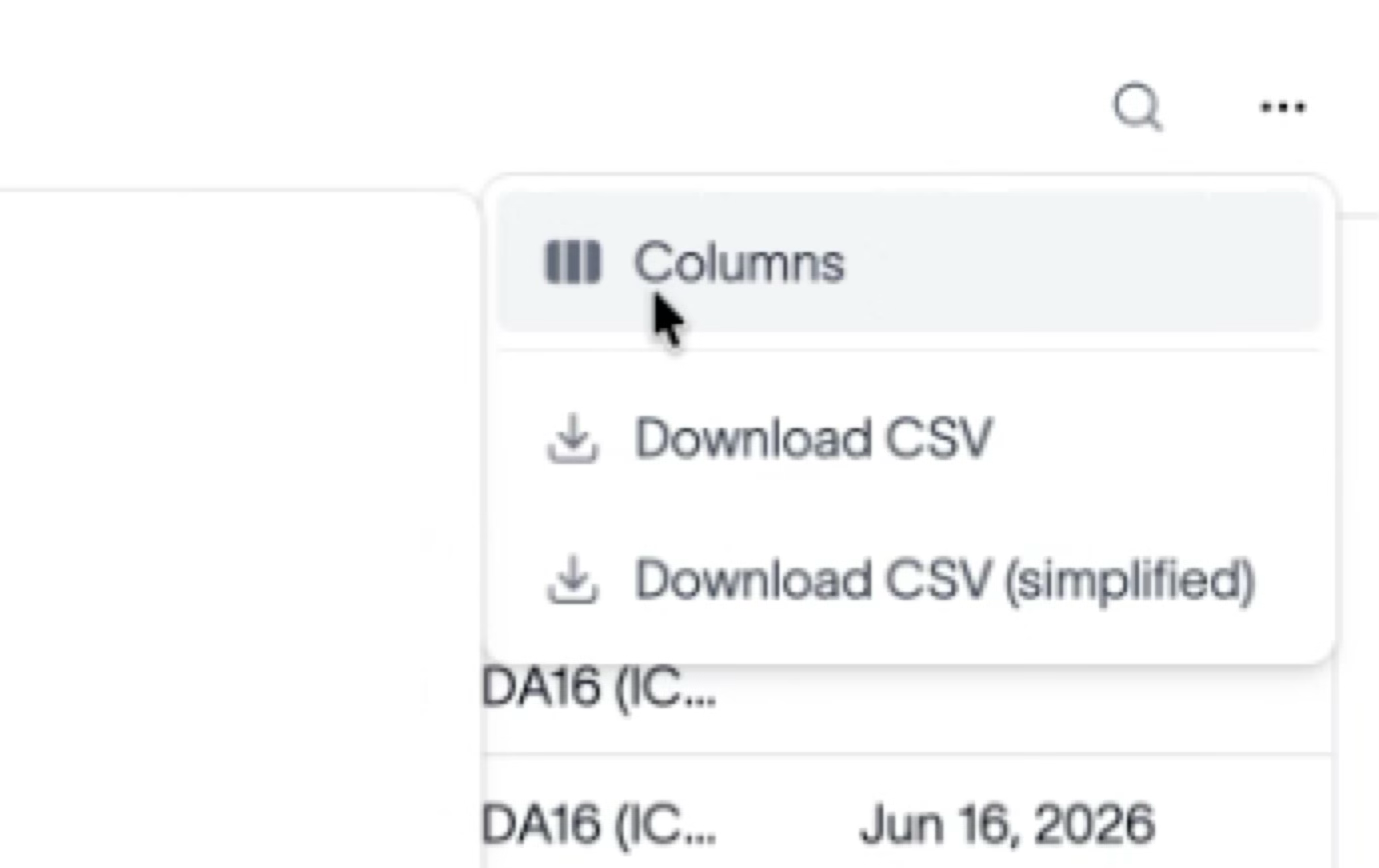
In the top right, click the … menu.
2. Choose a CSV format
Pick one:
Download CSV — every field shown on the page.
Download CSV (simplified) — a trimmed set of fields.
Outcome
A CSV of the current tests list downloads to your computer, ready to open in a spreadsheet.