Choose analytes for a stability study
Last updated: October 9, 2026
On the Analytes step you pick the tests to run on each product. You search for tests the same way you do when you place a regular order.
Add tests
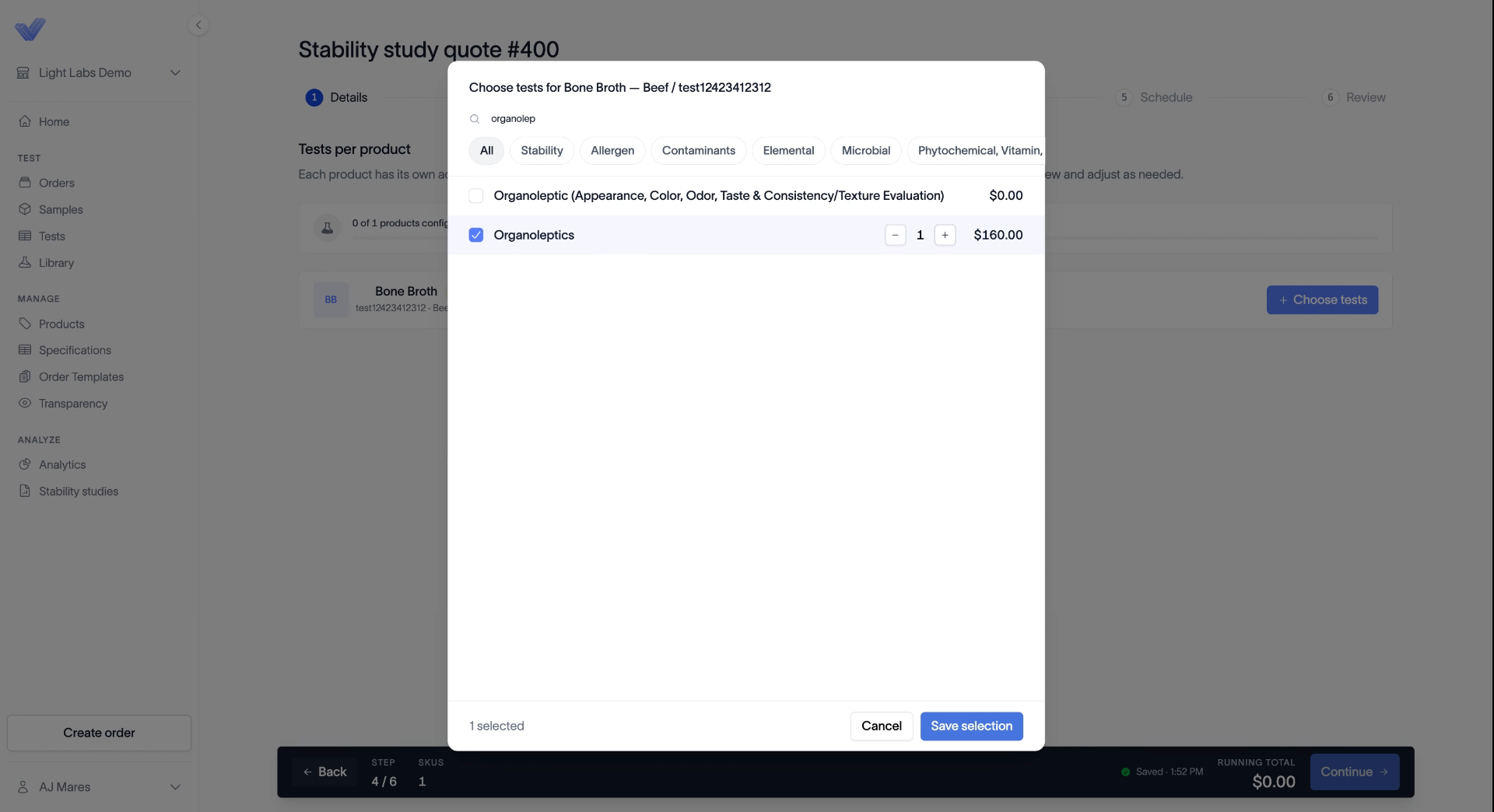
Find your product in the list and click + Choose tests.
Search for a test by name. You can also use the category chips, such as Stability, Allergen, Contaminants, Elemental, and Microbial, to narrow the results.
Select each test you want to add. Use the quantity stepper if you need more than one.
Click Save selection.
To add more tests later, click + Add tests on the product.
Add notes
Each test has an optional Notes field. Use it for anything the lab should know about that test. You can leave it blank.
Under the product, you'll see the cost for one time point across all the tests you selected.
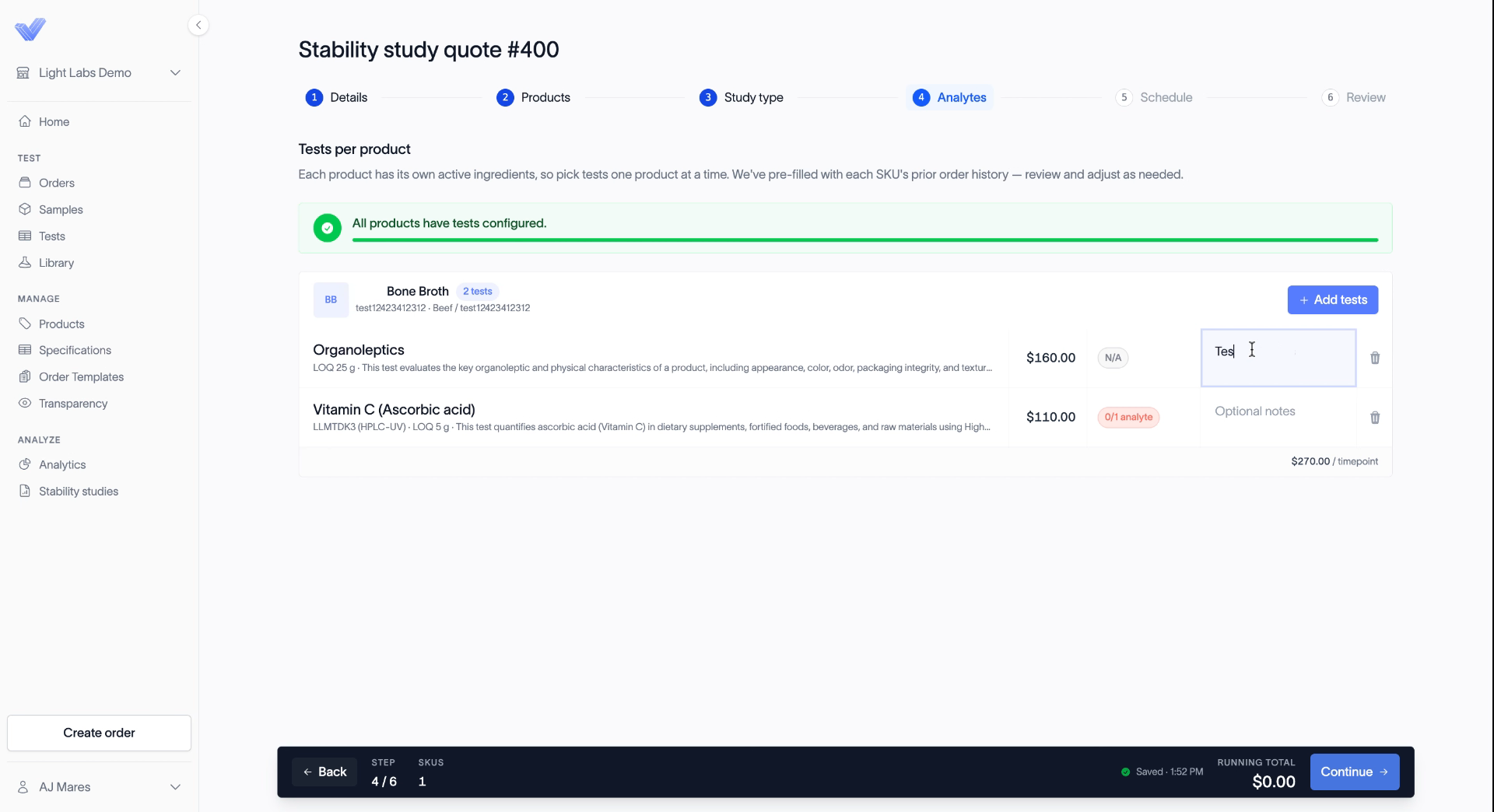
If you enrolled more than one product, repeat these steps for each. When every product has tests, click Continue.
Related
Choose real-time, accelerated, or both
Build your sampling schedule
Place a stability study order