Customize columns
Last updated: August 14, 2026
Time To Completion: 1 minute
Show or hide columns on the Tests page so the table displays only the information you need.
Prerequisites: The Tests page open.
1. Open the columns picker
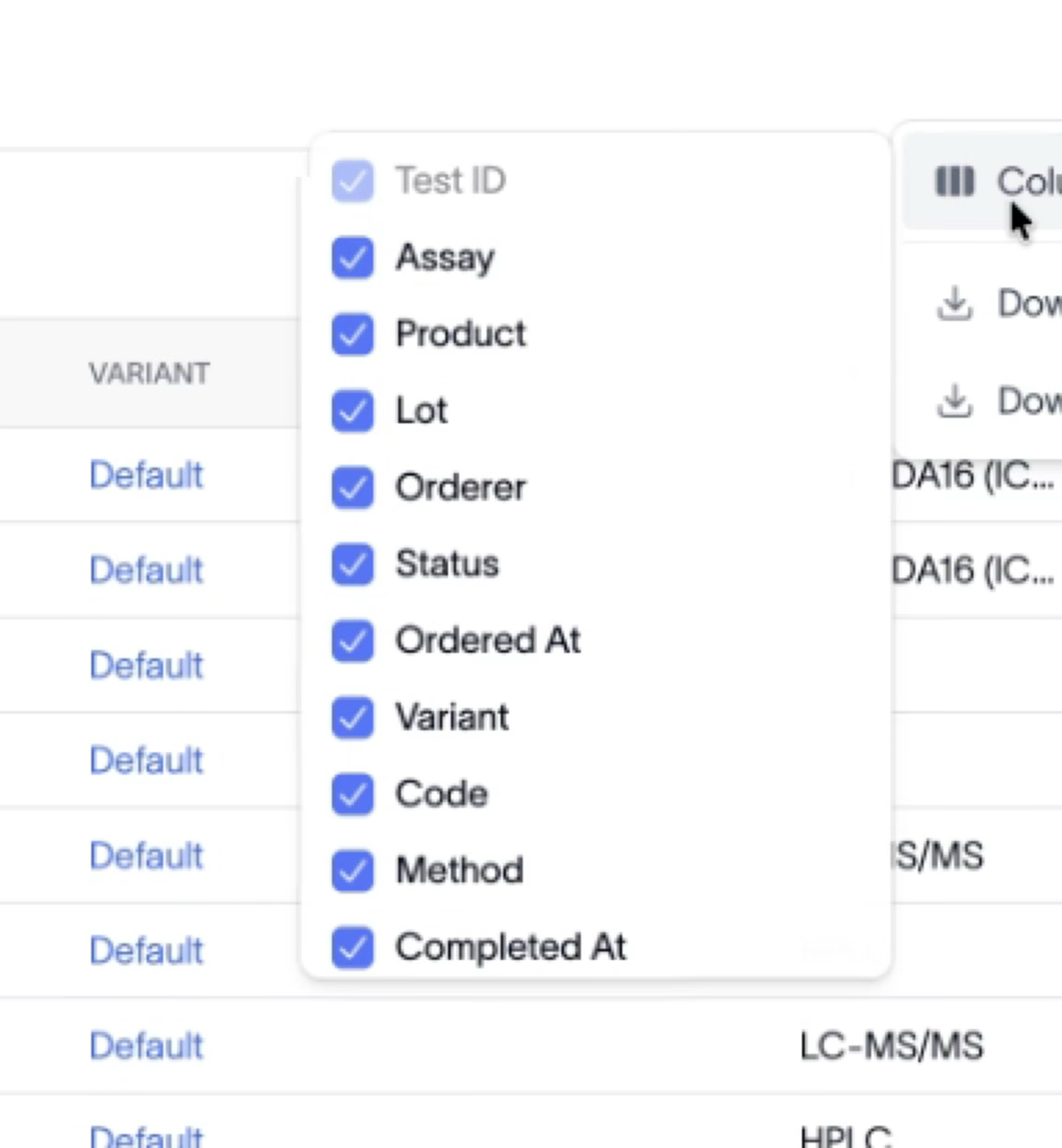
In the top right, click the … menu and choose Columns.
2. Toggle columns on or off
Check or uncheck any column — Assay, Product, Lot, Orderer, Status, Ordered At, Variant, Code, Method, or Completed At. Test ID stays on by default. The table updates as you toggle.
Outcome
The table shows exactly the columns you chose. Your selection persists as you work the page.